
99% of printing issues are solved by disabling Page Scaling, an adjustment that some printers make automatically. Fortunately it is very easy to disable this option. When you select Print in Adobe® Acrobat® Reader, Page Scaling is usually shown as an option – simply select None and then continue printing as normal. For some printers, the Page Scaling option is contained in the Properties or Advanced tab of this first Print menu. Or, it may say “Scale” and then just simply make sure it says 100%. Alternatively you might want to consider using our mm-measurement fitting service instead of the FitKit—no printing necessary.
Latest Stories

Inside Cleveland’s ONE® Project Condom Fashion Show at B-Side
From nightstands to the runway: See how the AIDS Taskforce of Greater Cleveland and ONE® Project Condom bro...

Sexual Health Tips From the ONE® Momentum® Community
September is Sexual Health Awareness Month, so we asked our ONE® Momentum® community to share the positive choices, habits, and conversations that have helped them support their sexual health and well-being this year. We also asked a second question: If...
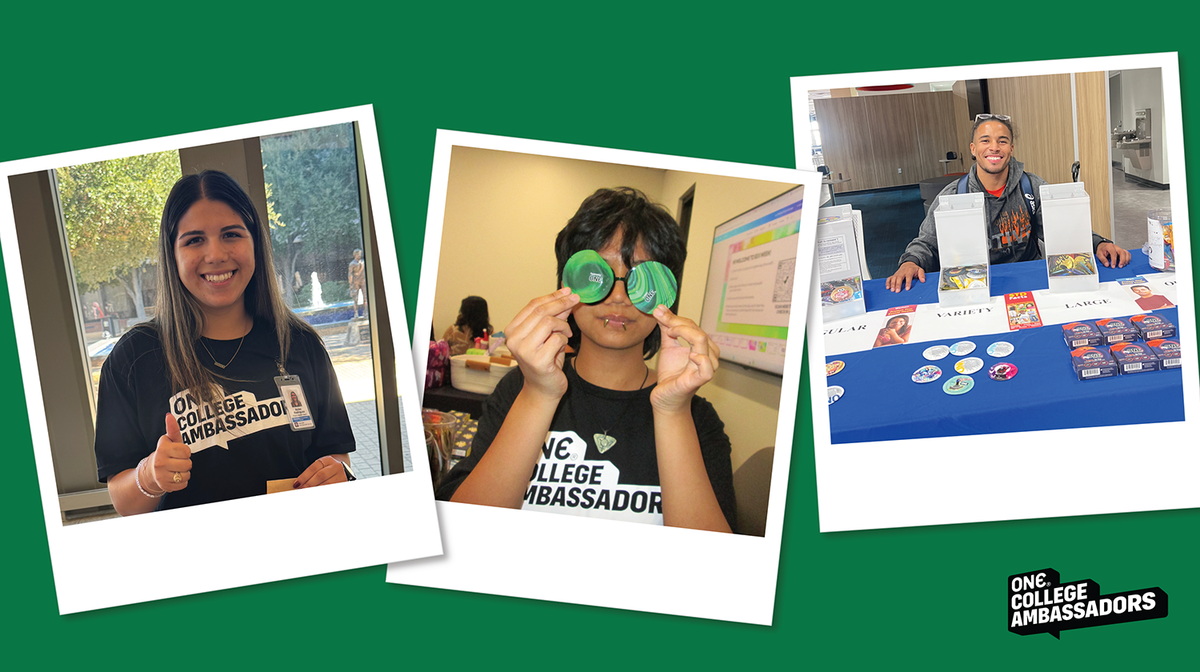
Two Years of Peer-Led Sex Ed: Celebrating the ONE® College Ambassador Program
Celebrate two years of the ONE® College Ambassador Program and the student leaders making sexual health edu...
Share:
How do I know if my FitKit® printed correctly?
What carrier do you use for shipments? How long does shipping take?